LEARNING OUTCOME 2
“You explore front-end development languages, you write code and document in a version control environment.”
PORTFOLIO
This portfolio website was created as part of my Media coursework at Fontys. It showcases multiple projects I've worked on, and a set of learning outcomes that I try to prove with my works. The site is structured using HTML5 and styled with an external CSS stylesheet. It includes a sidebar navigation menu, multiple content sections for each project, and interactive elements like buttons and links to documents and detailed pages. The design and layout aim to reflect both my technical and creative skills in web development.
HTML for index.html
!DOCTYPE html The HTML structure begins with the standard declaration.
head contains character encoding settings, viewport configuration for responsiveness and link to external css file.
body contains sidebar navigation
(aside class="sidebar") which is a vertical navigation bar which contains navigation to project sections like
(#project-page-1) and external pages like
(learningoutcomes.html) next to that the body also contains a hero section
(section id="main-page") this displays my name, a subtitle and an arrow that gives an indication to the user to scroll. The main section also contains a animated gradient background (.gradient-bg)
(main class="projects-content") holds 6 project sections, each with a constant structure: (1. Project Title),
(2. Client), (3. Project Overview), (4. Date),
(5. Collaboration) and (6. Process)
each one of these use grid-container and aside-container to control layout and appearance via CSS.
buttons that either bring the user to PDF's like a team charter, project plan or detail pages like project1.html
(script src="/folder/sidebar.js") links to a JavaScript file.

CSS Explain
Global styles

WORKSHOP 1
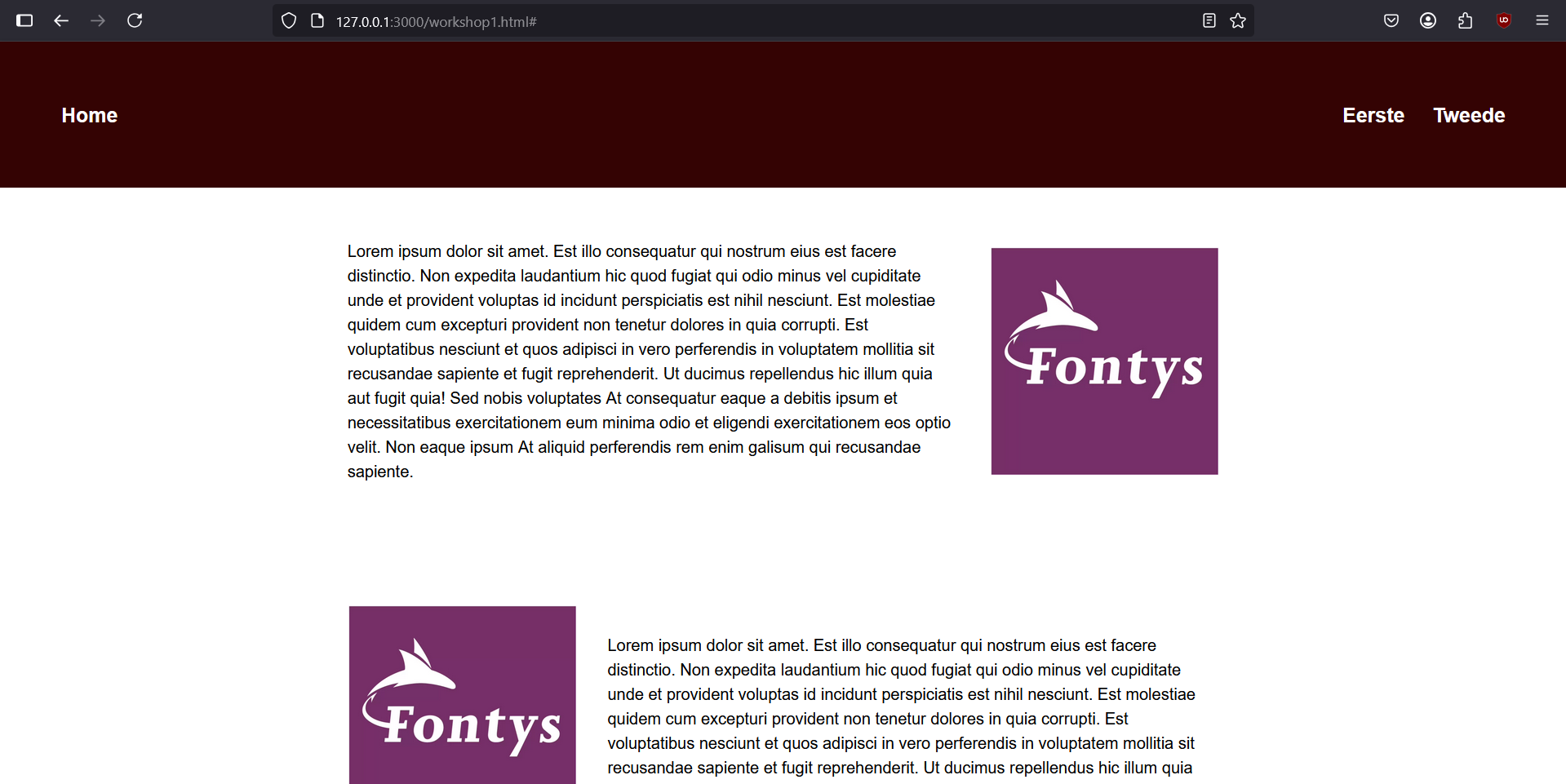
This web page was created as part of a workshop for my Development lessons. The goal is to practice the basic structure of HTML and the application of CSS for styling and layout. The page includes a simple navigation bar, two content sections with text and images, and is visually styled using an external stylesheet.
View Workshop 1
HTML Sturcture
!DOCTYPE html The HTML structure begins with the standard declaration.
head contains character encoding settings, viewport configuration for responsiveness and link to external css file.
body contains a header and two divs with the first and second paragraph.
header contains a logo (home link) and simple navigation with two links.
div there are two divs each containing an image and a text block. In the first, the image is on the right and the second is the other way around.
CSS Styling
General styling: * { margin: 0; } resets default margins for consistency across browsers.
Navigation: .topnav styled with a background color, padding, and white text. Uses (display: flex) to align the logo and navigation links horizontally.
Content sections: (.Eerste, .Tweede:) implement flexbox layout. Use gap, align-items and justify-content to center and space content.
Text elements: p set to a wider widt for optimal reading and is left-aligned to enhance readability.
Images: (object-fit: contain) to fix the width with proportional scaling. The image is also visually balanced with the text.
WORKSHOP 2
HTML Sturcture
!DOCTYPE html The HTML structure begins with the standard declaration.
head contains character encoding settings, viewport configuration for responsiveness and link to external css file.
CSS Styling

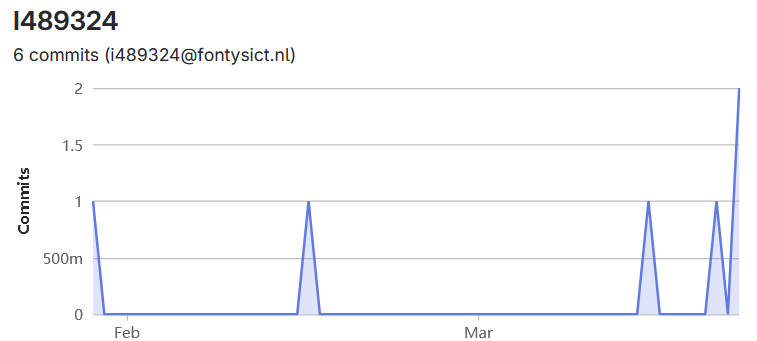
Commits
After creating my full Figma design, I began to bring my portoflio to life and begin coding: